

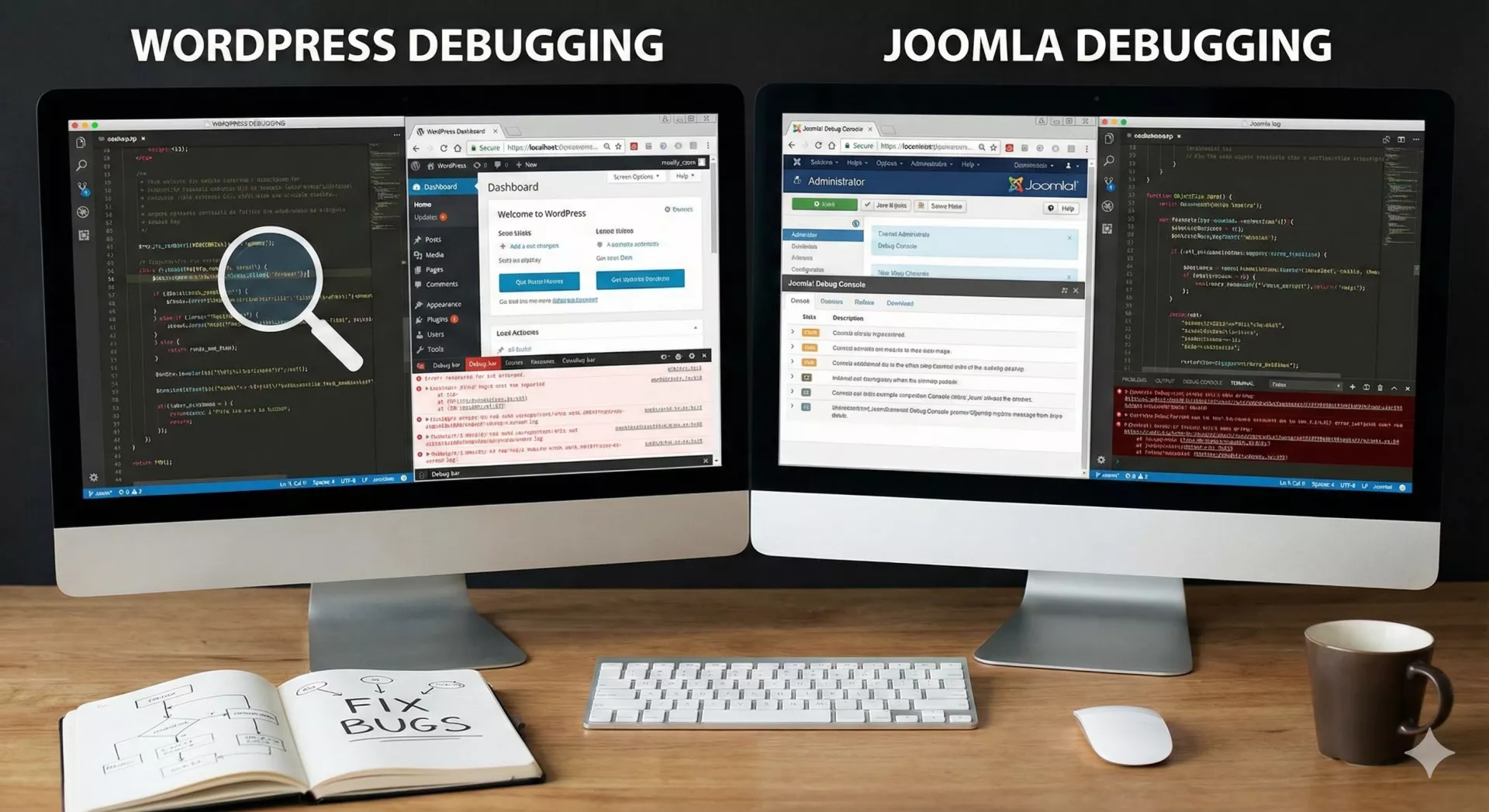
Why Debugging is Important :
Debugging in WordPress is an essential process for identifying and fixing errors, issues, or unexpected behavior on your site. WordPress has a built-in debugging feature that allows developers and site admins to log errors, display PHP notices, and troubleshoot various issues in a more efficient manner.
Enable Debugging in WordPress
To enable debugging in WordPress, you need to modify the wp-config.php file. This file is located in the root directory of your WordPress installation.
- Open the
wp-config.phpfile via SSH :
nano wp-config.php - Look for the line that says
/* That's all, stop editing! Happy blogging. */. Just before that line, add or modify the following line:
// Enable WordPress debugging
define('WP_DEBUG', true); - Refresh the website and you should see the error message instead of the generic WordPress error message.
Common Debugging Tips
A. Disable All Plugins
- Rename the
pluginsfolder to something likeplugins_oldvia FTP or SSH to deactivate all plugins. - If the site works without plugins, reactivate them one by one to identify the problematic plugin.
B. Switch to Default Theme
If the issue is theme-related, you can switch to a default WordPress theme like Twenty Twenty-Three:
-
In the WordPress Dashboard, go to Appearance > Themes and activate a default theme.
-
Or, via FTP, navigate to
wp-content/themesand rename your current theme's folder. WordPress will automatically fall back to the default theme.
By using these techniques and tools, you should be able to debug most issues on your WordPress site effectively.