

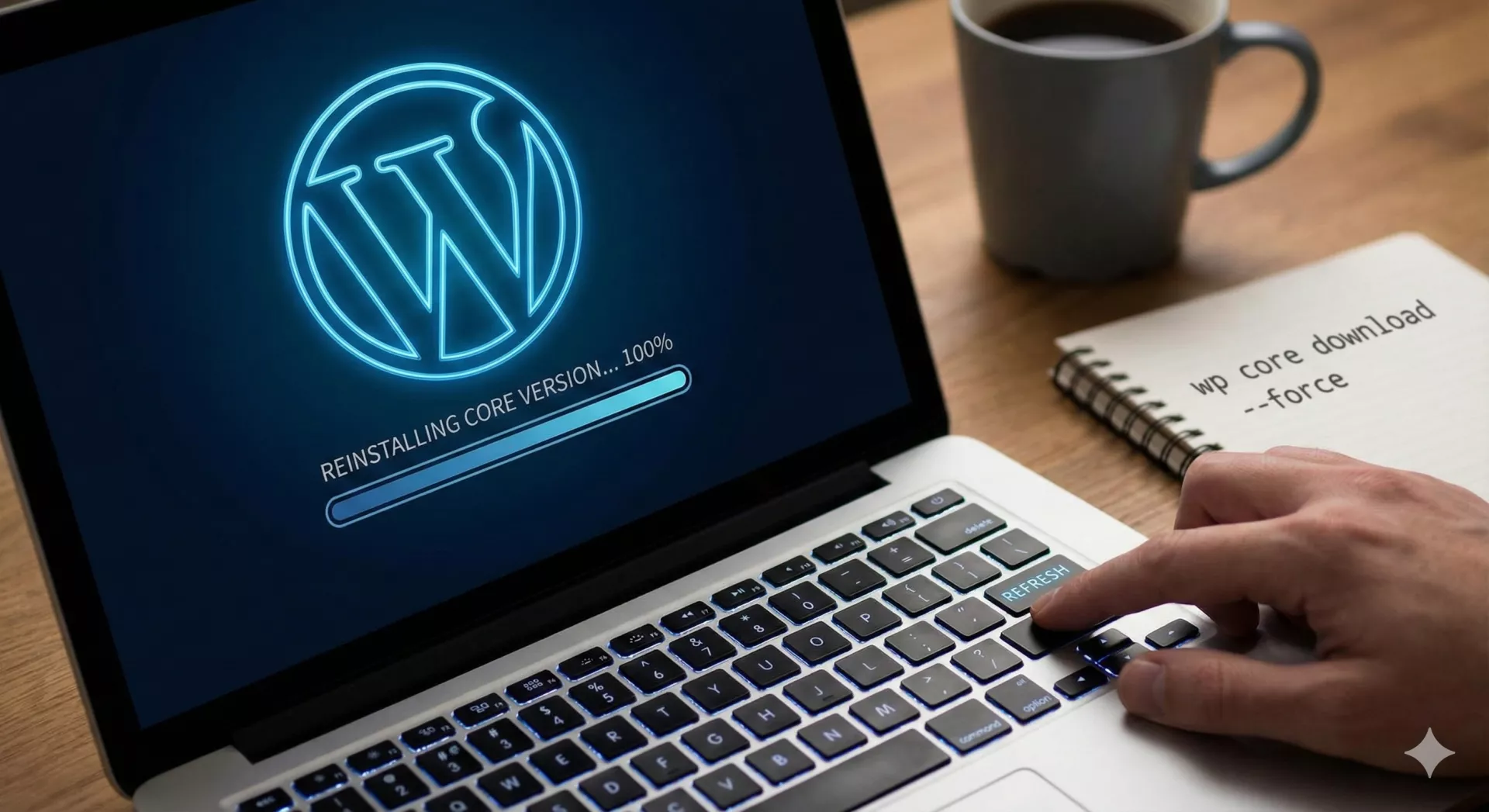
How To Replace WordPress Core Files Using SSH :
1. You need to check the current WordPress Core version, so you'll know what version you need to download when replacing the wp core files. You can run the WP-Cli Command :
wp core version

2. Once WP Core version is identified, run the command :
wp core download --version=6.8.3 --skip-content --force
What this command does:
-
--version=6.6.2: Downloads that specific release (Maintenance Release from Sept 2024). -
--skip-content: Keeps yourwp-contentfolder safe (themes, plugins, uploads are not touched). -
--force: Overwrites the core files (wp-admin, wp-includes, root files) to replace any corrupt or missing ones.